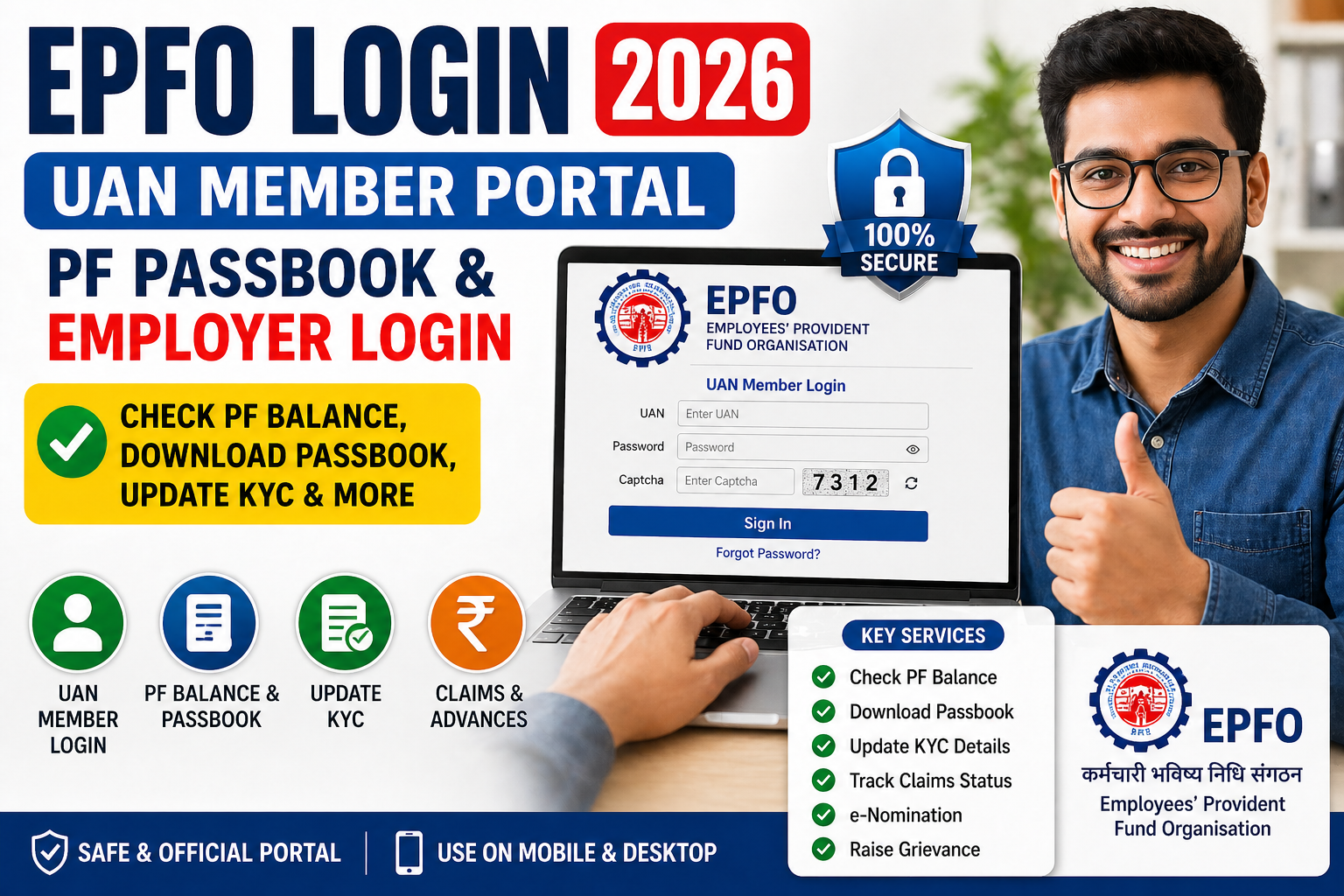
EPFO Login 2026: UAN Member Portal, PF Passbook & Employer Login
Managing your Provident Fund account has become much easier with the official EPFO Login. Whether you want to check your PF balance, download your passbook, or handle employer-related tasks, everything is now available online through the EPFO portal.
With a single EPFO Login, employees can access the UAN Member Portal while employers can manage compliance and contributions. This guide explains how to use the EPFO Login properly in 2026 so you can handle your PF account quickly and without confusion.
What is EPFO Login?
EPFO Login is the official gateway that allows both employees and employers to access provident fund services online. Employees use it to enter the UAN Member Portal, while employers use it for compliance tasks.
Through the EPFO portal, you can check your PF balance, view your passbook, update KYC, and track claims. The system is secure and works on both desktop and mobile through the UMANG app as well.
A proper EPFO Login saves you time and removes the need to visit EPFO offices for most tasks.
How to Do EPFO Member Login
Performing EPFO Member Login is straightforward. Follow these steps:
- Visit the official EPFO portal.
- Click on “For Employees” and select Member UAN Login.
- Enter your 12-digit UAN and password.
- Complete the captcha and click Sign In.
- Enter the OTP sent to your registered mobile number.
After successful login, you reach the Member Portal dashboard where all your PF details are visible.
If you face trouble logging in, make sure your UAN is activated and your mobile number is linked with Aadhaar.
How to Check PF Balance and Download Passbook
One of the most important reasons to use EPFO Login is to check your PF balance and download the passbook.
After logging into the UAN Member Portal:
- Go to the “Passbook” section
- Select your Member ID
- View your current PF balance and monthly contributions
- Click on Download to save the passbook as PDF
You can also check your PF balance quickly through the UMANG app after completing EPFO Login. This helps you stay updated with employer contributions and interest credits.
EPFO Employer Login – Key Differences
The EPFO Login system has two separate sections – one for members and one for employers.
Employees use EPFO Member Login with their UAN to check personal details and claims. Employers, on the other hand, log in using their Establishment ID to file monthly returns, pay contributions, and approve employee KYC.
Both logins are part of the same EPFO portal but serve different purposes. Always choose the correct option on the homepage to avoid login errors.
Common Problems During EPFO Login and Solutions
Many users face small issues while trying EPFO Login. Here are the common problems and easy fixes:
- Forgot Password: Use the “Forgot Password” option and reset using your registered mobile OTP.
- OTP Not Received: Check if your mobile number is correctly linked with Aadhaar.
- Captcha Error: Refresh the page and enter the code carefully.
- UAN Not Activated: Activate your UAN through the UMANG app using face scan.
If the EPFO portal shows errors, try clearing your browser cache or use the UMANG app instead.
Useful Services Available After EPFO Login
Once you complete EPFO Login, you get access to many important services on the EPFO portal:
- Check real-time PF balance
- Download updated EPF passbook
- Update Aadhaar, PAN, and bank details (KYC)
- Submit online claims and advances
- Track claim status
- Submit e-nomination
- Raise grievance if needed
These features make the UAN Member Portal very useful for everyday PF management.
Conclusion
EPFO Login is the simplest way to manage your provident fund account in 2026. Whether you need to check your PF balance, download your passbook, or handle employer tasks, the EPFO portal and UAN Member Portal make everything convenient and paperless.
Take a few minutes to complete your EPFO Login regularly and keep your account details updated. This small habit helps you stay in control of your savings and avoids unnecessary delays when you need your money.
If you need help with EPFO Login issues, UAN activation, or managing multiple PF accounts, our team provides practical support to employees and companies.