How SEP Teachers Can Access Their Payroll Information Online
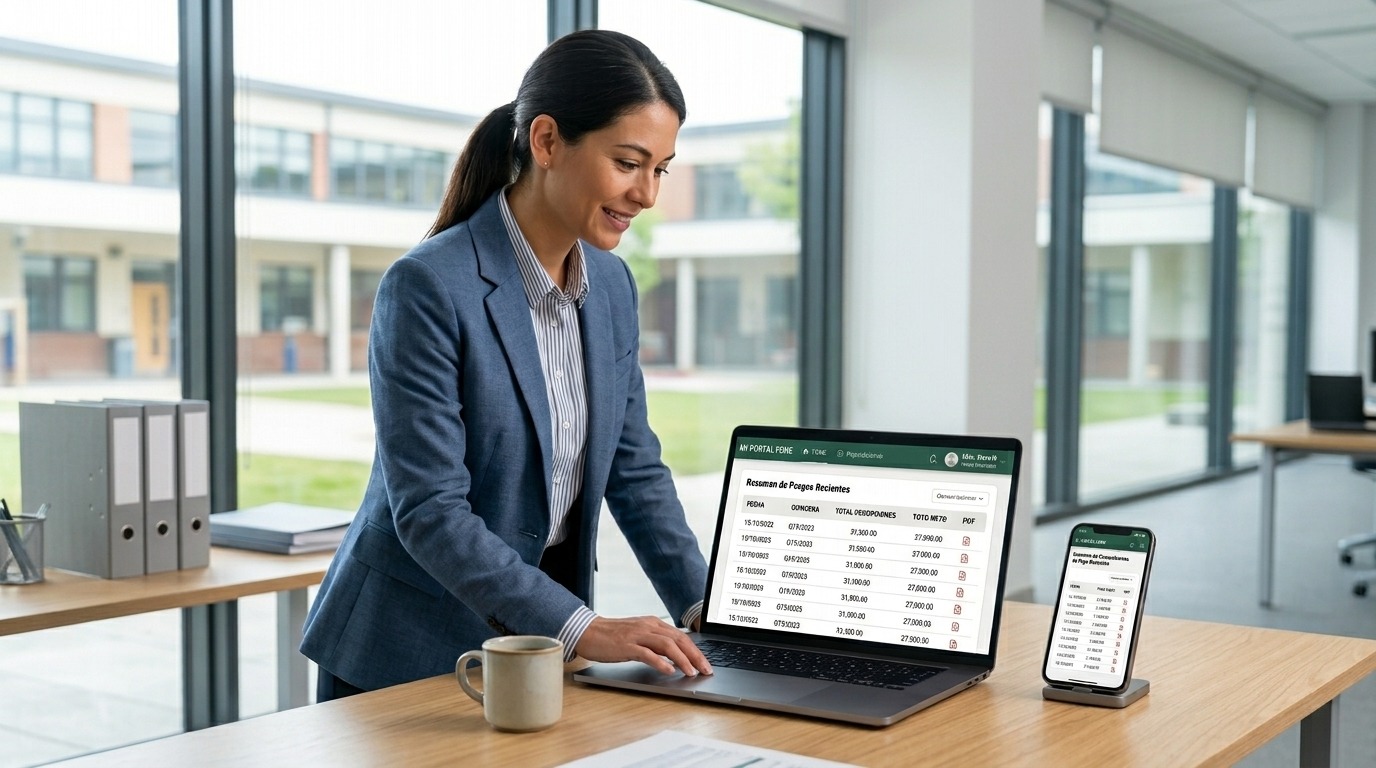
Managing payroll information online helps SEP teachers quickly check salary details, download payment receipts, and keep employment records organized. Through FONE SEP, teachers can securely access important payroll information without relying on paperwork or visiting administrative offices.
This guide explains how SEP teachers can access their payroll information online, what information they need before signing in, common issues they may encounter, and practical tips for managing their payroll records safely and efficiently.
Why Online Payroll Access Is Important for SEP Teachers?
Online payroll access gives SEP teachers a faster and more convenient way to manage their salary information. Instead of waiting for printed documents or visiting administrative offices, teachers can securely view payroll records, verify payment details, and download receipts whenever needed.
Having digital access also helps teachers keep accurate employment records for tax purposes, loan applications, and other official requirements. It saves time, reduces paperwork, and ensures important payroll information is available whenever it is needed.
Information You Need Before Accessing Your Payroll Records
Before accessing your payroll information online, make sure you have the required details ready. Having this information available will help you sign in smoothly and avoid common login issues.
CURP
Your CURP (Clave Única de Registro de Población) is one of the primary identification numbers used to verify your identity. Make sure you enter it exactly as it appears on your official documents.
RFC
Your RFC (Registro Federal de Contribuyentes) may also be required for identity verification or payroll-related processes. Ensure the information is accurate and up to date.
Login Credentials
Keep your registered email address, username, or password ready before signing in. If you have forgotten your credentials, use the official account recovery option instead of creating a new account.
Secure Internet Connection
Always access your payroll information using a secure and private internet connection. Avoid logging in through public Wi-Fi networks to protect your personal and payroll data.
Steps to Access Payroll Information Online
Accessing your payroll information online is a simple process if you have your login details ready. Follow these steps to securely view or download your payroll records.
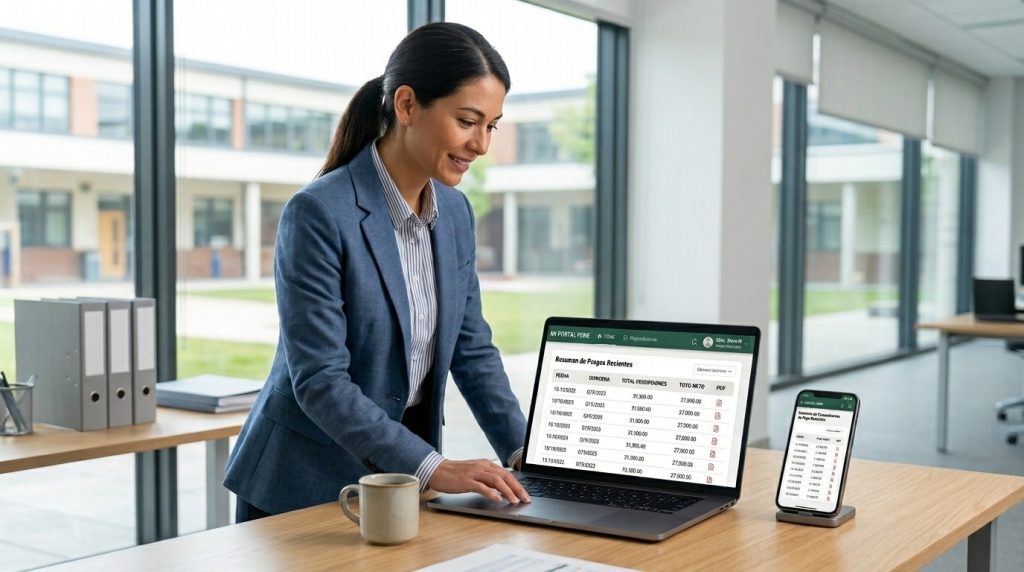
Visit the Official Mi Portal FONE Payroll Portal
Open your web browser and visit the official Mi Portal FONE payroll portal. Always verify that you are using the correct website before entering your login credentials to keep your personal information secure.
Sign In to Your Account
Enter your registered login credentials, such as your username, email address, or password. Double-check your information before signing in to avoid login errors.
Access Your Payroll Records
After signing in, navigate to the payroll or payment section of your account. From there, you can view your salary details, payment history, and available payroll documents.
Download or Print Your Payslips
Choose the payroll record you need and download it in the available format. You can also print your payslips or save a digital copy for future reference.
Common Problems Teachers May Face
While accessing payroll information through FONE is usually straightforward, SEP teachers may occasionally experience issues that prevent them from signing in or viewing their records. Most of these problems can be resolved by following the correct steps.
Forgotten Password
If you cannot remember your password, use the password recovery option available on the login page. Follow the instructions to reset your password and regain access to your account.
Incorrect Login Details
Entering an incorrect username, email address, or password can prevent you from signing in. Double-check your credentials and ensure there are no typing errors before trying again.
Missing Payroll Records
If your payroll records are unavailable, verify that you selected the correct payment period. If the issue continues, contact the appropriate administrative department for assistance.
Website Loading Issues
A slow internet connection, browser cache, or temporary server maintenance may affect portal access. Refresh the page, clear your browser cache, or try accessing the portal from another browser or device.
Tips for Keeping Payroll Information Secure
Protecting your payroll information is just as important as accessing it. Following a few simple security practices can help keep your personal and financial data safe.
- Use a strong and unique password for your account.
- Never share your login credentials with anyone.
- Access your payroll records only through official websites.
- Always log out after using your account, especially on shared devices.
- Avoid using public Wi-Fi when viewing or downloading payroll documents.
- Update your password regularly to improve account security.
Benefits of Managing Payroll Information Online
Managing payroll information online offers several advantages for SEP teachers. It provides quick access to important salary records while reducing the need for paperwork and in-person administrative visits.
- Access payroll information anytime and from anywhere.
- Download and store digital payment receipts for future use.
- Verify salary details and payment history with ease.
- Keep employment records organized in one place.
- Save time by avoiding unnecessary office visits.
- Reduce paperwork through secure digital record management.
Frequently Asked Questions
Can SEP teachers access payroll information from a mobile phone?
Yes. Most official payroll portals can be accessed through a mobile browser with a stable internet connection.
What should I do if my payroll information is missing?
First, verify that you selected the correct payment period. If the records are still unavailable, contact your school’s administrative office or the relevant payroll department.
Is it safe to access payroll information online?
Yes, as long as you use the official payroll portal, a secure internet connection, and keep your login credentials private.
Can I download previous payroll receipts?
Yes. Many payroll portals allow teachers to view and download previous payment receipts, depending on the records available in their account.
Conclusion
Online payroll access makes it easier for SEP teachers to view salary details, download payment receipts, and manage employment records securely. By using official payroll services and following basic security practices, teachers can access their payroll information quickly and conveniently whenever needed.